
Creating a Workflow
Workflows represent a series of automated steps that your team wants to standardize.
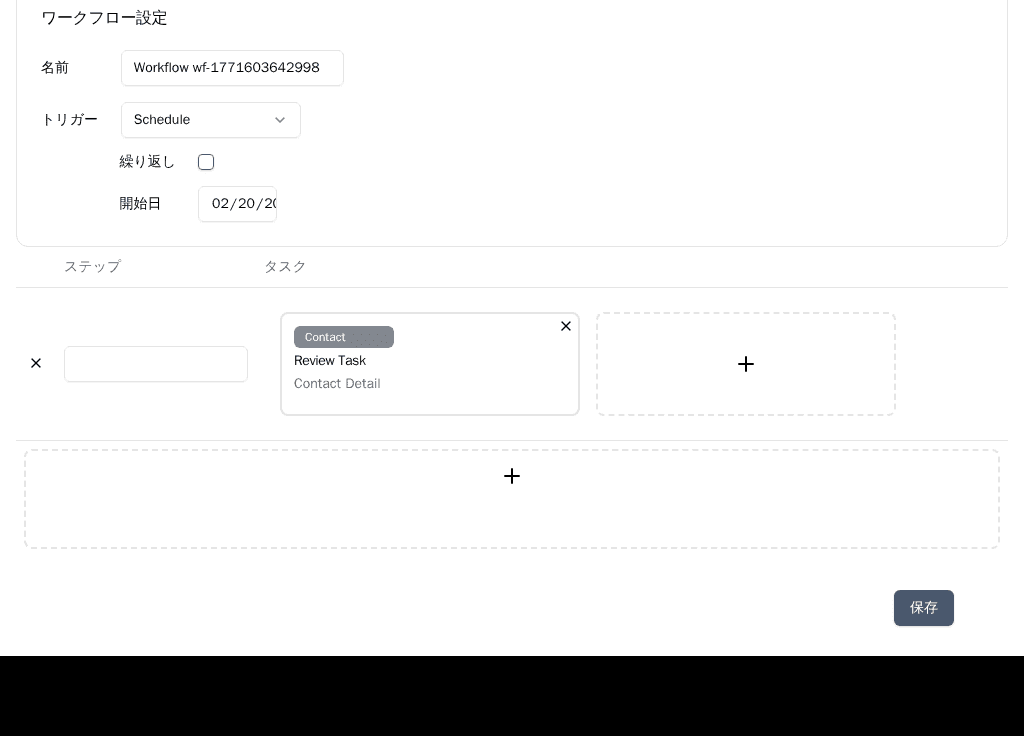
1. Basic Settings
Navigate to your desired Project and click 'New Workflow'. Enter a unique name (e.g., 'Expense Report Approval') and a description for your workflow.
2. Setting the Trigger
The Trigger determines when the workflow will start. You can choose from Manual (started by a user clicking 'Run'), Schedule (runs at a specific date/time or recurring interval), or Email (runs automatically when an email is received).
3. Adding Tasks (Steps)
Use the flowchart editor to define the workflow steps. Click the 'Add Step' (+) button, configure the task type (Operation, Approval, Email, AI, etc.), and map data fields to define what happens in each step. Ensure all steps are connected to define the execution order.