
Understanding Triggers
A Trigger is the starting point of any Workflow execution. Selecting the right trigger dictates how your automation will run in a real-world scenario.
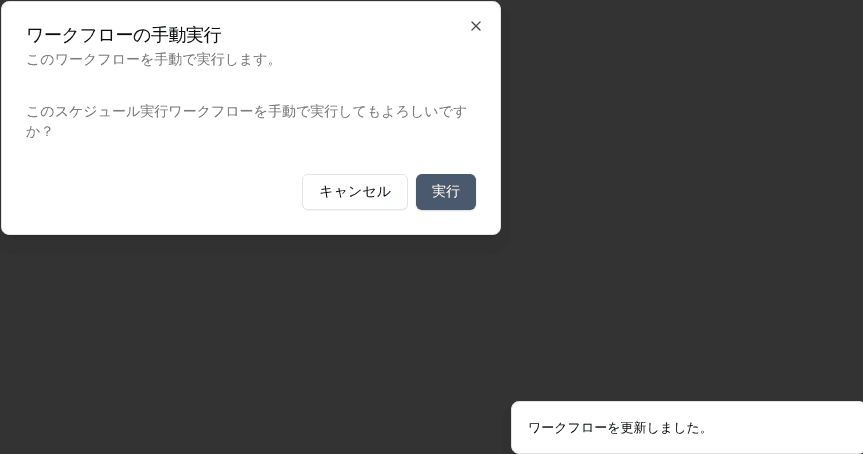
Manual Trigger
Starts the workflow only when a user explicitly clicks the 'Run' button. This is ideal for on-demand processes where human discretion dictates when the task should occur.
Schedule Trigger
Automatically initiates the workflow based on time settings. You can configure it for a one-time execution on a specific Date/Time, or set it to a recurring schedule (e.g., daily, weekly).
Email Trigger
Fires the workflow when an email is received. Upon saving a workflow with this trigger, the system generates a unique webhook email address (starting with 'wf+'). Forwarding or sending emails to this unique address automatically starts an Activity run.